
Invite, add and remove members
Everything in the Manage drawer – invite existing members, e-mail and WhatsApp invitations, add or remove members manually, and export to CSV.
Open an event → Member tab → Manage. The drawer on the right groups every member tool.
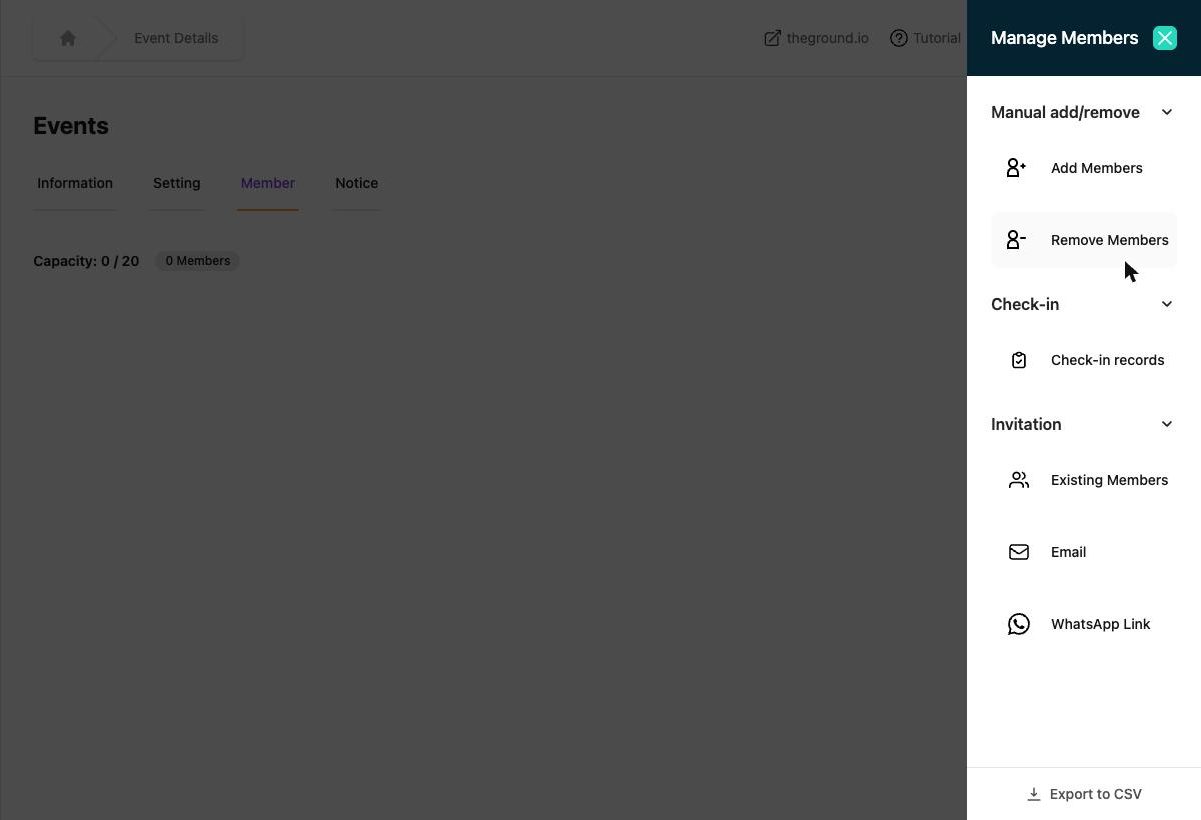
Invitation#
Existing Members#
Lists everyone who is already in your organization (any event or team). Tick people or Select All and click Invite. They receive an invitation to this event and can accept in the app. Ideal for weekly regulars. Confirmation: "Invitations sent successfully."
Email#
Type addresses separated by commas, click Add (up to 10 per batch), then Send. Recipients get an e-mail with the event page link – they need a The Ground account to join. See Promote your event.
WhatsApp Link#
Shows the event's public link and a pre-written message you can edit; Share on WhatsApp opens WhatsApp to choose the chats. See Promote your event.
Manual add / remove#
Add Members#
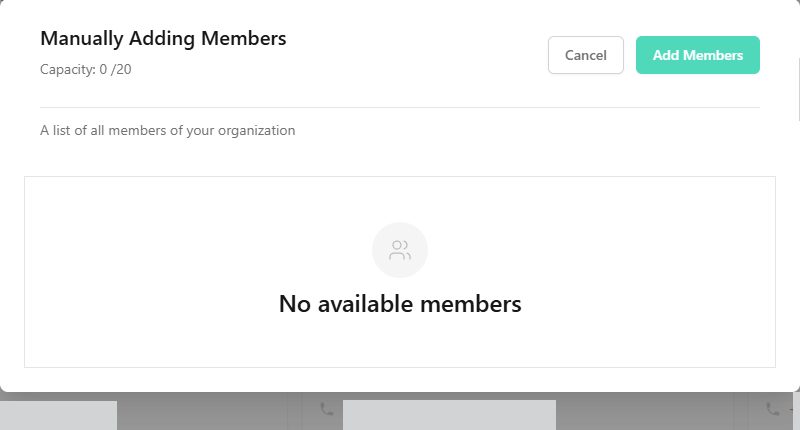
For people who booked with you directly. The dialog Manually Adding Members lists your organization's members – tick them and click Add Members ("Member added successfully."). Notes:
- The person must already have a The Ground account and be in your organization (they joined an earlier event / team, or accepted an invitation). Someone brand-new should use the event link instead.
- Added members are approved (respecting capacity) and can be marked as paid by you.
- Fill in their sign-up form answers for them via Create response if needed.
Remove Members#
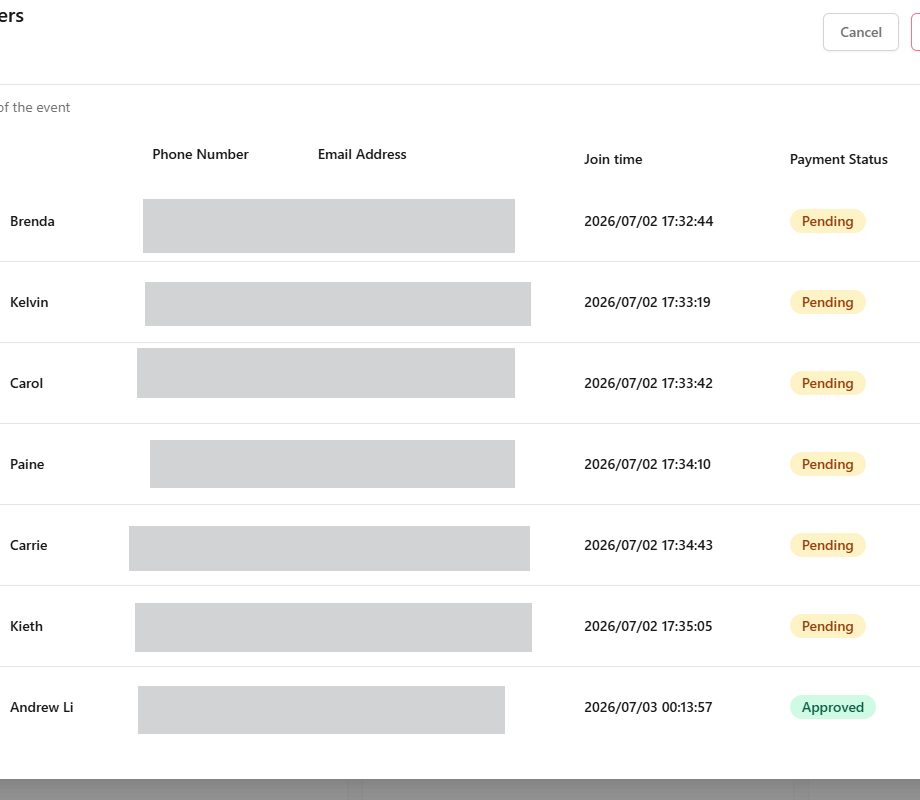
Tick the members to remove and confirm. Their sign-up is deleted from this event only.
Check-in#
Check-in records – the list of who has been checked in, when and by whom, with a search box. See Check-in.
Export to CSV#
Bottom of the drawer. Downloads the member list (name, phone, e-mail, join time, approval and payment status, tickets). Use it for door lists, insurance, or your own mailing list – remember your privacy obligations to members.
Organization-wide members and admins#
The sidebar Members page shows everyone across all events and teams, lets you open a member's profile, delete a member from the organization, and manage admins – see Member profiles and internal records and Admins and roles.