
Your account, password and language
Update your profile, login details and password, switch between English and 中文, check your subscription and log out.
Click your name ▾ in the top-right corner.
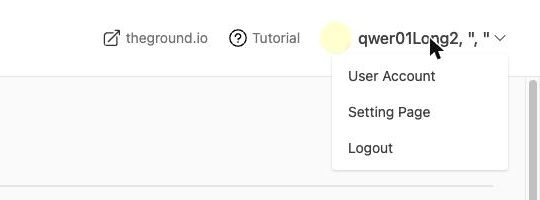
User Account#
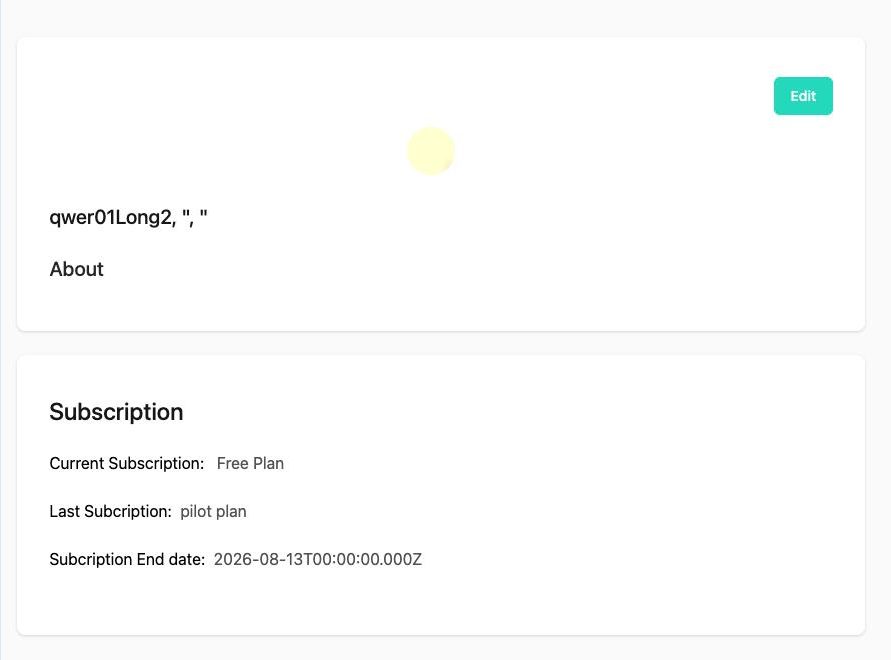
- Profile – avatar, display name and About. Click Edit to change them; this is how members see you as an admin / host.
- Subscription – Current Subscription (e.g. Free Plan or pilot plan), Last Subscription and Subscription End date. See Plans and limits.
Setting Page#
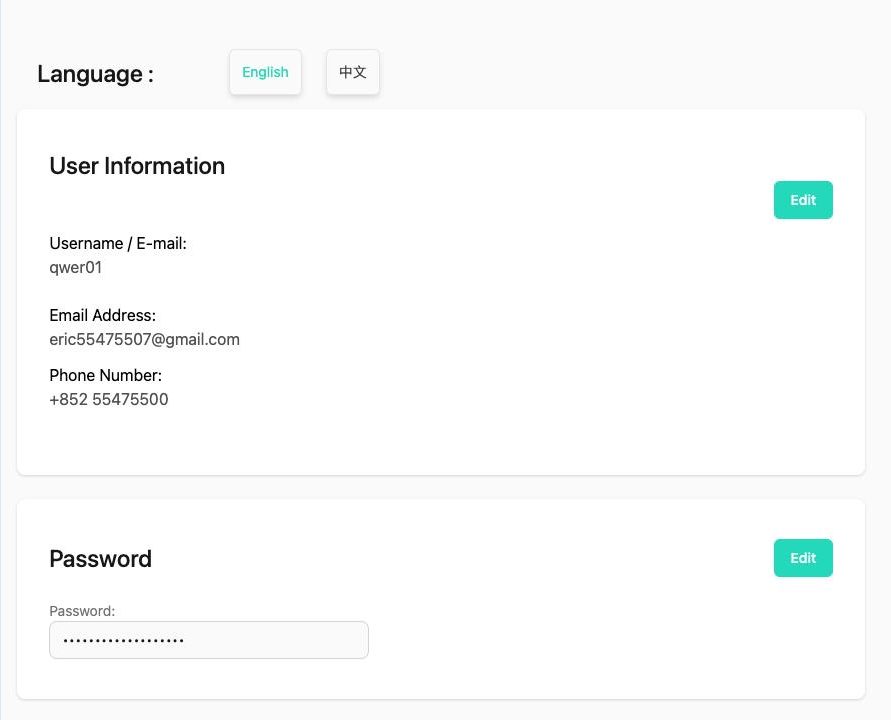
- Language – English or 中文. Applies to the admin immediately and is remembered for your account.
- User Information – Edit to change your Username / E-mail (login ID), Email Address and Phone Number. If you enter an e-mail that another account uses you will see "Email already exists".
- Password – Edit, enter the new password twice. Rules: at least 8 characters, including an uppercase letter and a special character. Google-sign-in accounts have no password here.
Logout#
Logout ends your session on this device. On shared or public computers, always log out – admins can see members' personal data.
Forgot your password?#
Use Forgot Username / Password on the sign-in page – see Create your admin account.
Deleting your account#
Account deletion is handled by support: e-mail info@theground.io from the address on your account. Make sure another admin remains on each of your organizations first.
Was this article helpful?Thanks for the feedback! Still stuck? Email us.